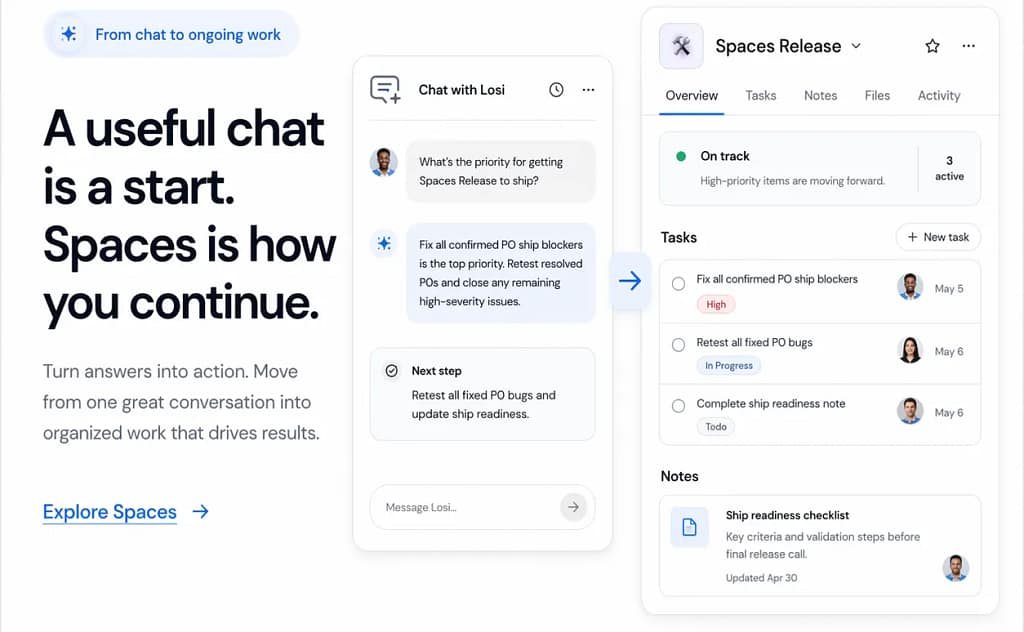
AI got very good at helping people think.
That happened fast. Faster than most people expected. One minute AI felt experimental, the next it was part of how people studied, planned, wrote, researched, and worked every day. You could drop in a messy thought and come out with clarity. A draft. A plan. A next step.
That part is real.
But there is a second problem that shows up right after the useful moment, and in a lot of ways it matters more.
The chat ends. The note goes somewhere else. The task never gets made. The context starts leaking almost immediately. You know something valuable happened, but now you have to reconstruct why it mattered and what you were supposed to do with it.
That is the gap we kept running into.
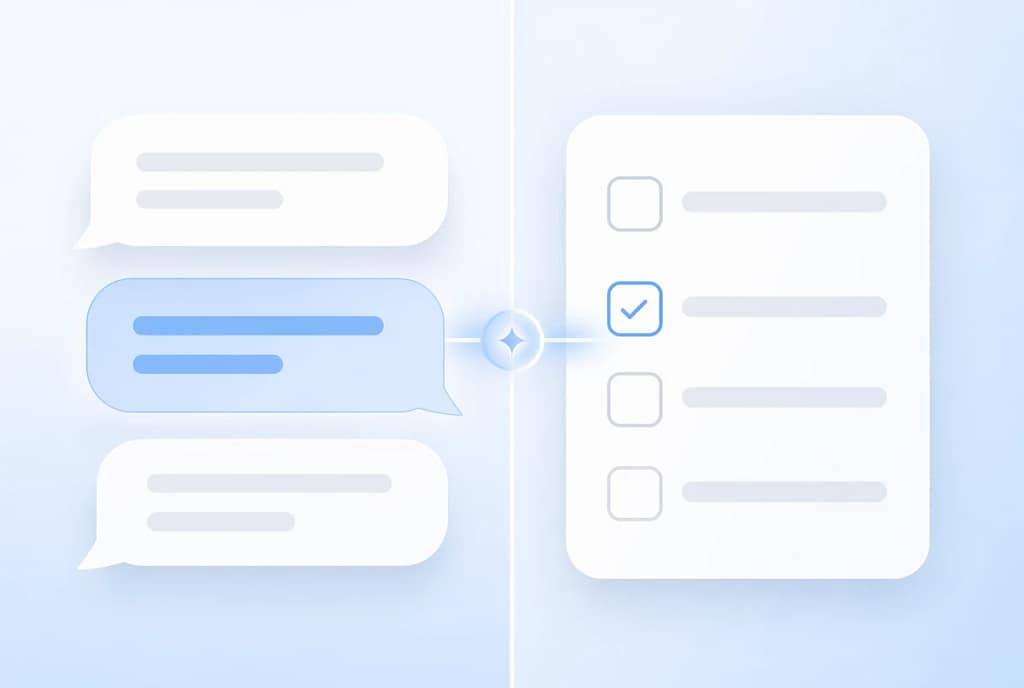
Not the idea gap. Not the output gap. The gap between a useful thought and a usable workflow.
That is why we built Losi Spaces.
What Losi Spaces is
Losi Spaces is a connected workspace inside Losi for work that should stay together.
Instead of letting a good chat become a dead end, Spaces gives you a place to keep related work in one system:
- Chats for thinking and discussion
- Notes for ideas, drafts, and context
- Tasks for action and follow-through
- Folders for structure and organization
The idea is simple:
go from thought to action without losing the thread

Why this matters now
A lot of AI products still stop at the impressive part.
You ask for something. You get something back. It sounds smart. It feels fast. Sometimes it is genuinely useful.
But most real work does not happen in one response.
Real work is messy. It stretches across multiple sessions, half-finished notes, next steps, revisions, loose thoughts, and things you need to come back to later. The more AI becomes part of everyday work, the more obvious this gets.
The problem is not just getting help thinking.
The problem is what happens after.
If the output is not attached to context, it gets harder to trust, harder to revisit, and easier to lose. That makes the experience feel smarter in the moment than it does over time.
We think AI should do better than that.
What Losi Spaces helps you do
Losi Spaces helps you:
- keep useful context in one place
- organize related work naturally
- move from brainstorming to execution
- return to work later without starting from zero
- make AI output feel more usable in real life
It is not just about speed.
It is about continuity.
It is about giving useful work somewhere to live.

Simple ways to use Losi Spaces
For school
Create a Space for each class or subject.
Keep:
- study chats
- class notes
- assignment tasks
- research and reference material
For projects
Create one Space for each project.
Keep:
- planning chats
- strategy notes
- drafts and working material
- clear next steps
For personal organization
Use a Space for:
- weekly planning
- brain dumps
- goal tracking
- business ideas
- life admin

The bigger idea
We do not think AI should just help you generate something and then leave you with the burden of organizing the rest.
A useful chat should not disappear into a feed. A note should not lose the conversation that gave it meaning. A task should not get detached from the thinking that made it important.
Losi Spaces is our attempt to make that whole flow feel more natural.
Less scattered. More usable. More like real work.

Try Losi Spaces
If you already use Losi, start simple.
Create one Space. Add a note. Add a task. Add a chat. Keep going from there.
If you have ever had a genuinely useful AI conversation and then felt the value fade right after, Losi Spaces is for you.
Open Losi and try Losi Spaces today.