
We’re thrilled to announce a major new capability now available on Losi: powerful AI video generation. Whether you start with just a text prompt or an existing image, Losi can now create stunning, high-quality videos that bring your ideas to life.
Two Powerful Ways to Create Videos
Losi’s video generation gives you creative flexibility with two approaches:
1. Image Animation: From Still to Motion
Have a beautiful image and wonder what it would look like in motion? Losi can transform any still image into a mesmerizing animated sequence:
Portrait photos – Add subtle movements to create a cinematic feel

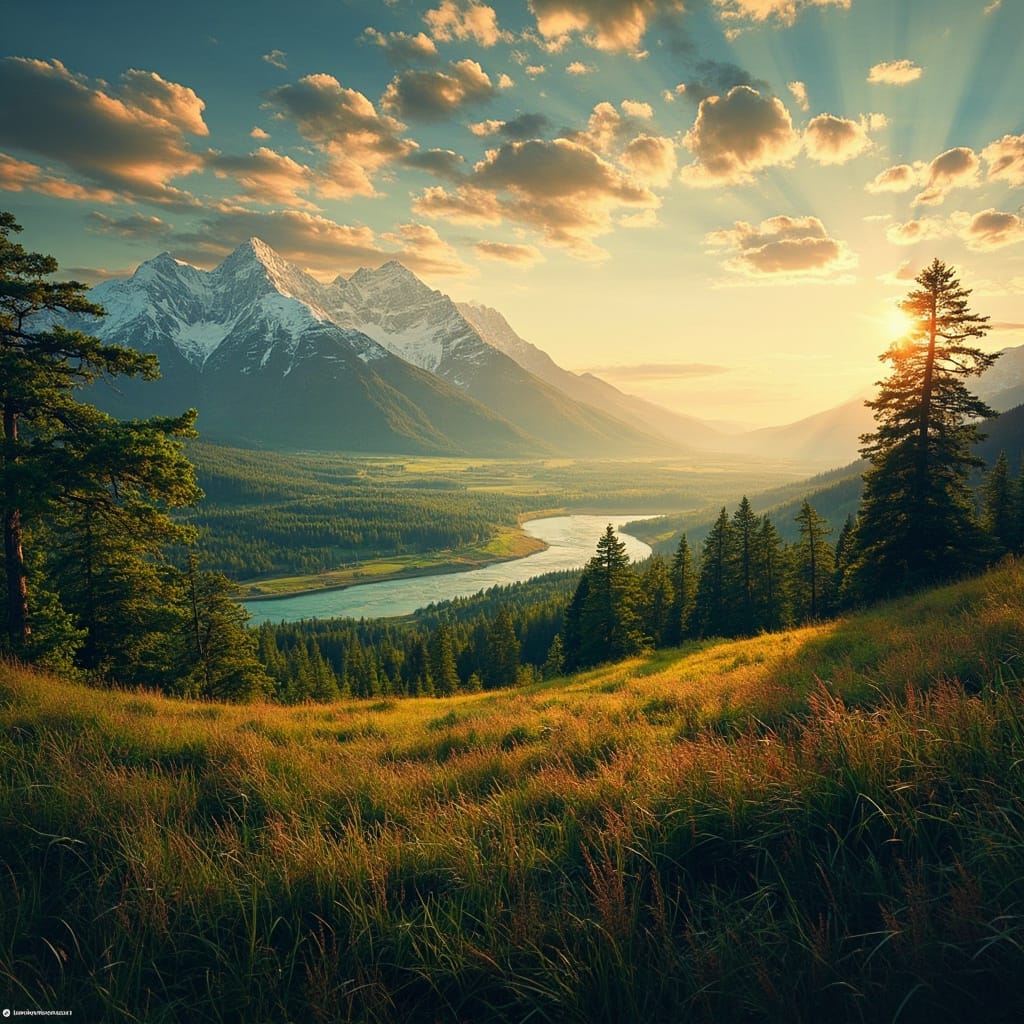
Landscapes – Add birds, make the camera pan, bring the scene to life
Artwork – Animate your illustrations, paintings, or digital designs

Product images – Create engaging product demonstrations from single photos

Concept visualizations – Turn sketches into dynamic presentations

Simply upload an image, describe how you want it animated, and watch as Losi works its magic, creating seamless, natural-looking motion that preserves the essence of your original image.
2. Text-to-Video: From Imagination to Reality
Have a scene in mind but no starting image? Simply describe what you want to see, and Losi will generate a complete video from your description:
Cinematic scenes – “Create a video of a spaceship flying through a nebula with colorful gas clouds”
Nature sequences – “Generate a video of autumn leaves falling in a sunlit forest”
Abstract visualizations – “Loop a flowing, colorful liquid metal animation with purple and gold highlights”
Character animations – “Generate a video of a cartoon fox running through a snowy landscape”
Just describe your vision in detail, and Losi’s AI will bring it to life with fluid motion and high-quality visuals.
See It In Action: Real-World Examples
Text-to-Video Example
A marketing team needed a captivating background video for their website. They prompted Losi: “Create a slow-motion video of blue ink dropping into clear water, creating beautiful swirling patterns.” In minutes, they had a stunning abstract video without expensive equipment or stock footage libraries.
Image-to-Video Example
Imagine you’re a digital marketer preparing for a product launch. You have a beautiful product photo, but you want something more engaging for social media. Here’s what the process looks like:
- Turn on the Video Generation Tool
2. Upload your product image to Losi
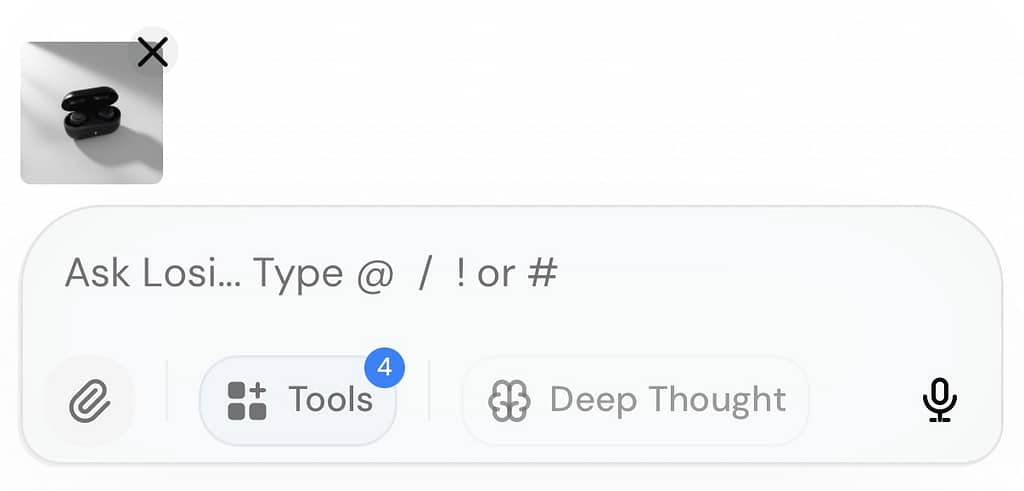
3. Provide a simple prompt: “Animate this product image with a gentle rotating motion, add subtle lighting effects that highlight the texture, and include a soft background blur that gradually shifts”
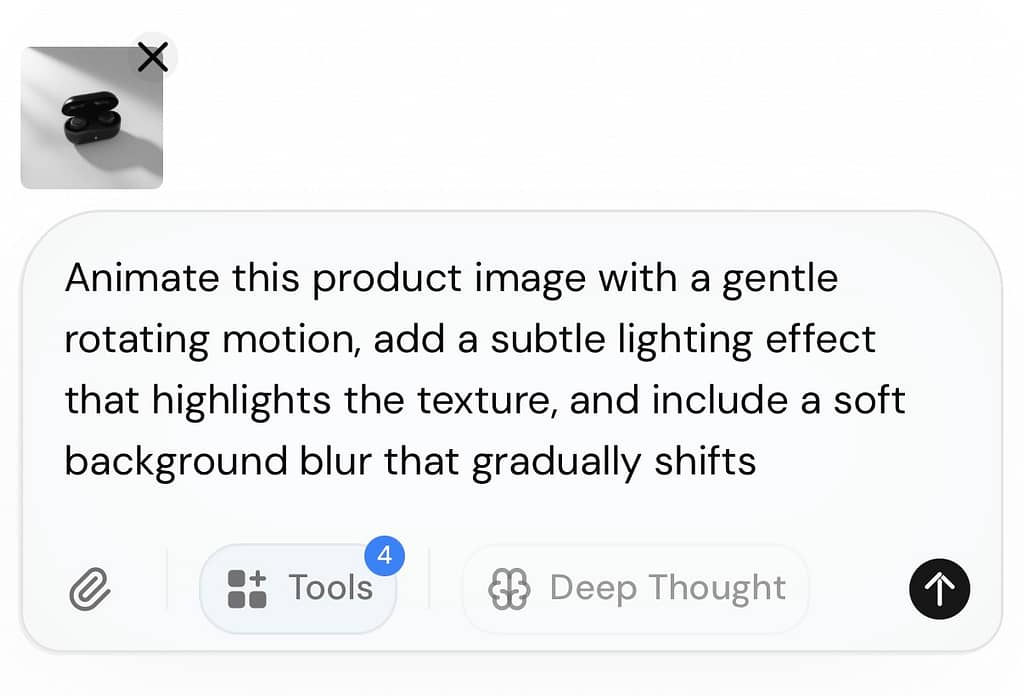
4. Wait a few seconds as Losi processes your request
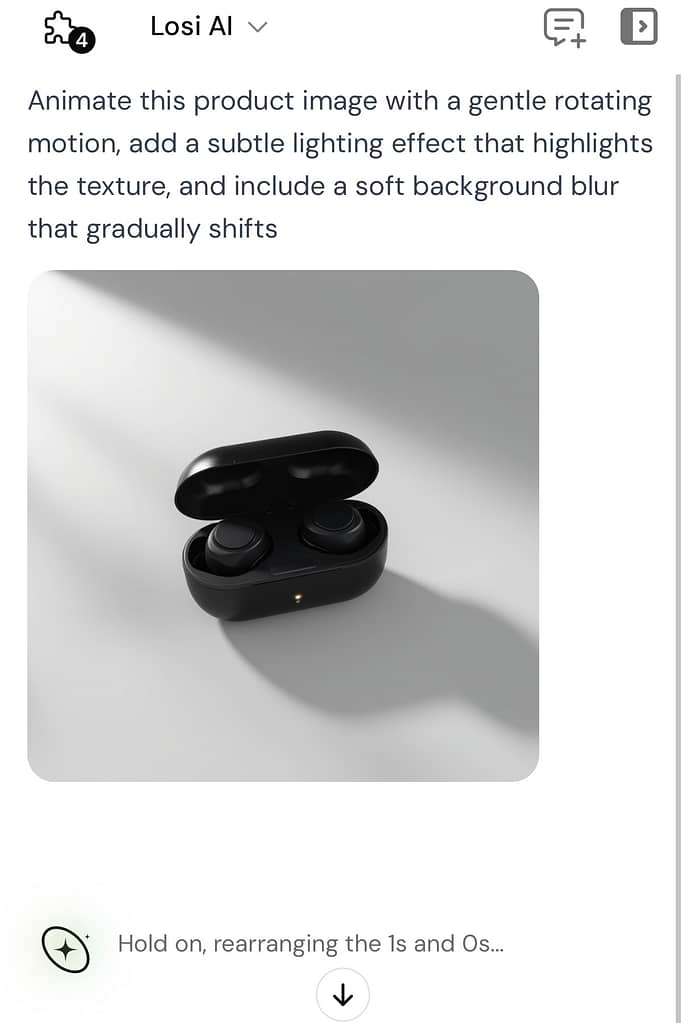
5. Download your finished video – a professional-quality animation perfect for Instagram, Facebook, or your product landing page
What would have taken hours with traditional animation software happens in minutes with Losi, no technical expertise required.
Creative Use Cases: Unleash Your Imagination
Our beta testers have already found incredible ways to use this technology:
- Digital artists create entirely new animated scenes from text descriptions or animate their existing illustrations
- Real estate agents generate property walkthroughs from descriptions or transform property photos into immersive animations
- E-commerce businesses create product demos from scratch or enhance existing catalog images
- Social media creators generate eye-catching original content or transform their photos into scroll-stopping animations
- Educators produce illustrative scenes or animate diagrams for more engaging learning materials
One designer told us: “I used to spend hours creating simple animations. Now I can either describe what I want or upload a still image and ask Losi to ‘make the hair flow in the wind and add a subtle breathing motion.’ The results are so natural it looks like I’d spent days in After Effects. This is a game-changer for my workflow.”
Powerful Customization Options
Losi’s video generation isn’t just powerful—it’s flexible. Tailor your videos with:
- Quality settings – Choose from 480p (fast), 720p (balanced), or 1080p (premium)
- Duration control – Create videos from 2-15 seconds
- Aspect ratios – Select from portrait (9:16), landscape (16:9), square (1:1), standard (4:3), or cinematic (21:9)
- Camera motion – Add static shots, slow pans, zooms, tracking shots, and more
Premium users get access to our Studio Video Generator with advanced options, higher quality outputs, and priority processing.
How to Use Video Generation in Losi
Getting started with video generation is simple:
- Pure text prompt – Simply ask Losi to “create a video of [your detailed description]”
- With an image – Upload an image and ask to “animate this image” or “turn this into a video”
- With detailed instructions – Specify exactly how you want the motion to look
- Full Studio control is coming next to enable powerful, more flexible video generations.
To take things further. Losi improves all your prompts to ensure all results are as good as possible but it’s still best to be detailed, describing motion of animation or elements.
Technical Excellence Under the Hood
Behind this seamless experience is sophisticated technology:
- Multi-model support – In the spirit of Losi’s Unified Intelligence, we leverage multiple leading AI video models (Losi AI, Luma, Kling, MiniMax) to ensure optimal results for different video types and the best of all worlds, only on Losi.ai.
- Intelligent fallbacks – If one approach doesn’t work, we automatically try alternatives
- Permanent storage – Unlike some services, your generated videos are permanently stored for future access anytime, anywhere.
Transform Your Visual Content Today
In a world where engaging visual content is king, Losi’s video generation gives you a powerful edge. Whether you’re starting with just an idea or an existing image, you can now create professional-quality videos in minutes.
Video generation is available now to all Losi users, with enhanced capabilities for premium subscribers. This is just the beginning—we’re continuously improving our video capabilities and will be adding more options in the coming months.
Ready to bring your vision to motion? Log in to Losi now and simply describe the video you want to create or upload an image to animate. Experience the magic of AI video generation firsthand – your creative possibilities just expanded dramatically.